
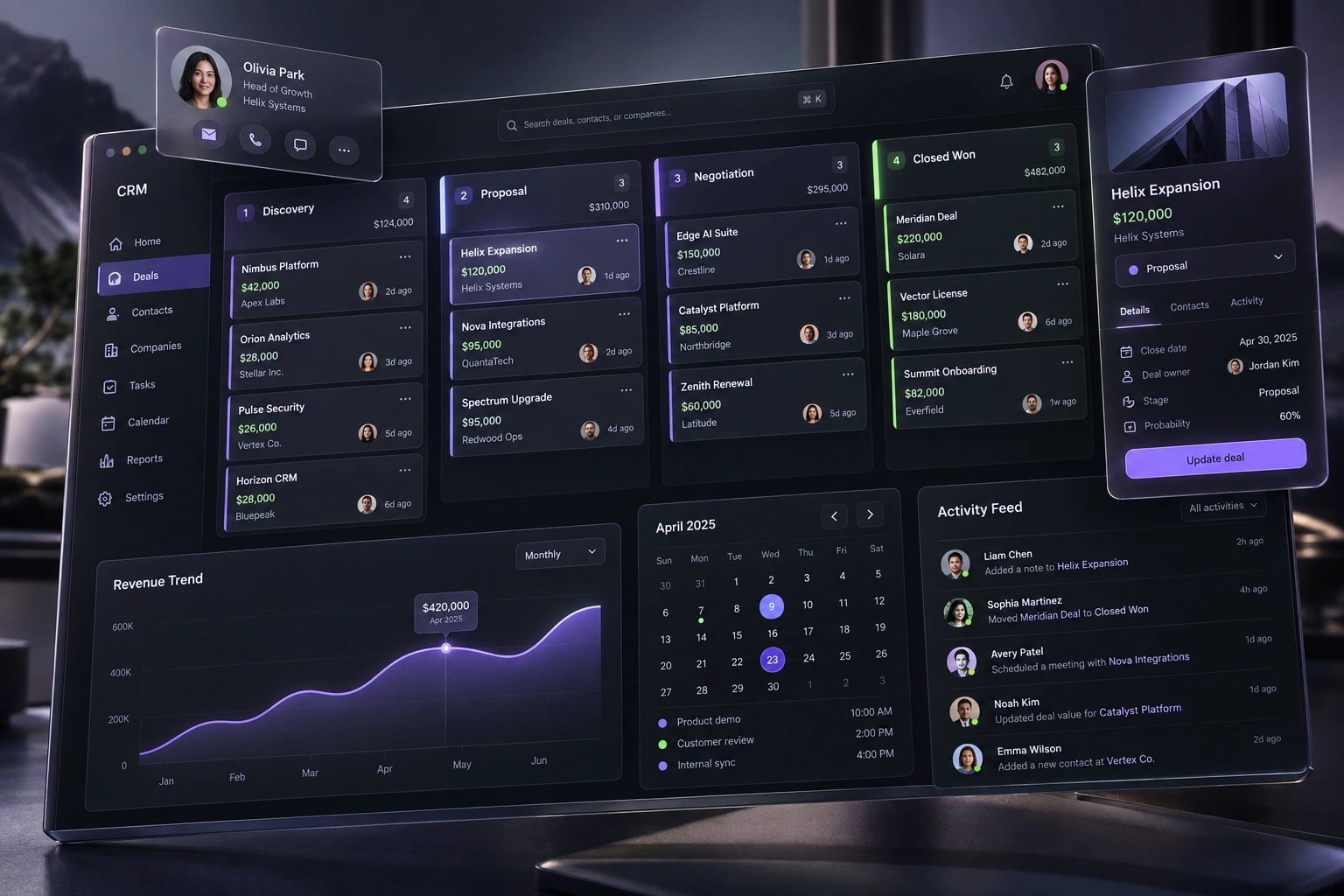
A CRM pilot should prove more than whether screens load. Use a representative group to complete real end-to-end work with realistic data, correct permissions and live-like integrations. Measure task success, data quality, exception handling, support demand and adoption friction; rehearse cutover and recovery; then make a documented go, change or pause decision.
Put this guidance into practice
Explore our custom CRM and ERP development, software development, application launch, premium website development and business automation services. We scope the work around your existing tools, team and goals.
Define the pilot decision before choosing participants
A pilot is useful only when it answers a decision. Write down what must be true before broader rollout: for example, sales staff can manage an enquiry from first contact to qualified opportunity, managers can see trustworthy pipeline status, and administrators can correct mistakes without bypassing controls. Separate these outcomes from a list of features that merely need to appear on screen.
Choose a bounded scope that is important enough to reveal real operating risk but small enough to observe closely. A region, team, service line or complete customer journey can work. Avoid a pilot made only of enthusiastic power users or unusually clean records; it may demonstrate the happy path while hiding the conditions the wider organisation will face.
GOV.UK's beta guidance recommends beginning with a limited group, learning from real use and improving the service before opening it more widely. For a CRM rollout, the same principle means deciding in advance which evidence will support a go, change or pause decision rather than treating pilot completion as automatic approval.
- Business decision the pilot must support
- Complete workflow included and explicit exclusions
- Representative users, roles and operating conditions
- Evidence required for go, change or pause
- Named owner for the final rollout decision
Test day-in-the-life workflows with recognisable data
Ask participants to complete the work they actually do: capture an enquiry, check for an existing contact, qualify the opportunity, assign ownership, schedule the next action, prepare a quote, record a decision and hand work to another team. Include cancellations, duplicates, missing information, reassignment and reopened opportunities so the pilot does not stop at the normal path.
Microsoft's Dynamics 365 implementation guidance recommends familiar data and day-in-the-life processes for user acceptance testing. Recognisable scenarios help participants judge whether the system supports the business rather than spending the session learning fictional customers and irrelevant cases.
Observe the work instead of collecting only a satisfaction score. Record whether the task was completed, where the participant hesitated, what information was missing, which workaround they used and whether another role received the correct result. A confident click-through can still leave a broken handoff or unreliable record behind.
- Representative normal and exception journeys
- Familiar but safely prepared test data
- Task completion and handoff evidence
- Observed workarounds and missing context
- Issues linked to the exact role, record and step
Prove data quality and ownership, not only migration volume
A successful import count does not prove that the CRM is ready. Sample important records and check identity matching, ownership, stage, source, consent or communication preferences, dates, values and relationships between contacts, companies and opportunities. Confirm that required fields help the workflow rather than encouraging placeholders that make reporting look complete but untrustworthy.
Run duplicate and conflict scenarios deliberately. Participants should know what happens when a contact already exists, two teams update the same opportunity, an imported owner is inactive or a source system sends incomplete information. Record who can merge, correct or reject data and how those changes are audited.
Agree the source of truth for each important field before rollout. When a CRM, finance system, marketing platform and spreadsheet can all change the same value, the pilot should expose that ambiguity and resolve it. Data-cleaning work, mapping rules and exception ownership belong in the rollout plan, not in an informal promise to fix records later.
- Accuracy of critical fields and relationships
- Duplicate detection and safe merge behaviour
- Source-of-truth rules for integrated data
- Correction rights and audit trail
- Owner and plan for unresolved migration exceptions
Verify permissions, integrations and failure recovery
Test each role with its own account. A salesperson, manager, finance reviewer and administrator should see and change only what their work requires. Include sensitive notes, exports, bulk actions, approvals and configuration—not just the main record screen. The pilot should reveal both missing access that blocks work and excessive access that creates avoidable risk.
Exercise every integration in both directions under realistic timing. Confirm field mapping, duplicate handling, retries and the result when another service is delayed or unavailable. The business needs a visible status and a safe manual route; a silent failure that leaves one system updated and another stale is a rollout risk even if the API normally works.
Microsoft's testing guidance separates unit, integration, system, user-acceptance and regression testing because each answers a different question. A pilot complements those test layers; it does not replace them. Keep technical test evidence and business-pilot evidence connected so a defect found in real work becomes a repeatable regression check.
- Role-by-role access and restricted actions
- Integration success, delay, duplicate and failure cases
- Visible status, retry and manual fallback
- Audit events for important changes
- Regression test added for each corrected critical defect
Measure readiness, support demand and adoption friction
Choose a small set of measures tied to the operating outcome: completion of the priority journey, time to the next action, records needing correction, duplicate rate, overdue ownership, integration failures, support requests and the proportion of work performed outside the CRM. Compare them with an honest baseline where one exists.
Pair numbers with observation and interviews. GOV.UK user-research guidance for beta recommends testing the end-to-end service with likely users, reviewing analytics and back-office data, and analysing support tickets. A CRM pilot should therefore include the people operating the process and the people who support or manage it, not only project sponsors.
Treat training questions as design evidence. Repeated confusion may indicate unclear labels, unnecessary steps, missing guidance or a workflow that conflicts with responsibilities. Some gaps need training; others need configuration or process change. Recording the difference makes the rollout plan more credible and prevents training from becoming a blanket explanation for poor usability.
- Priority-journey completion and time
- Data correction, duplicate and exception rates
- Support demand and repeated questions
- Work still happening in email or spreadsheets
- Role-specific training and product changes required
Rehearse cutover, support and the no-go path
Before approval, run a mock cutover. Confirm the final data extract and load, validation owners, account provisioning, integration switching, communications, support coverage and the point at which the old process becomes read-only or unavailable. Microsoft recommends a final test cycle that confirms the production environment and includes a mock cutover before deployment.
Define recovery conditions and ownership. If migrated records fail validation, a critical integration cannot reconcile or users cannot complete a priority journey, the team needs a clear pause or rollback decision—not pressure to continue because a launch date was announced. Keep the old process available only as deliberately planned; an indefinite parallel workflow usually creates two incomplete sources of truth.
Finish with a written decision and evidence. List blocking defects, accepted minor issues, training and support actions, data remediation, rollout sequence, monitoring and the date for the first post-launch review. Digi Startup India can design a CRM pilot and rollout plan around your real sales and operations workflow so the decision to expand rests on observed business use rather than a demonstration.
- Mock migration and production cutover rehearsal
- Go, pause and rollback conditions
- Named launch and support owners
- Accepted issues with owners and target dates
- Phased rollout and first post-launch review
Further reading
Frequently asked questions
How many users should join a CRM pilot?+
There is no universal number. Include enough people to represent the important roles, workflows, locations and confidence levels while keeping the group small enough to observe and support closely. Representation and scenario coverage matter more than an arbitrary percentage of staff.
Should a CRM pilot use real customer data?+
Use realistic data, but handle personal and commercially sensitive information deliberately. Where possible, prepare or mask data while preserving the relationships and edge cases needed for testing. If live data is necessary, apply the same access, retention and security rules expected in production.
Is user acceptance testing the same as a pilot?+
They overlap but are not identical. User acceptance testing checks whether the solution supports agreed business requirements. A pilot adds controlled real-world operation, adoption, support, data, integration and rollout evidence before wider use.
What should stop a company-wide CRM rollout?+
Pause when a priority journey cannot be completed reliably, critical data cannot be trusted, role access is unsafe, integrations cannot recover predictably, support capacity is inadequate or the cutover and rollback plan has not been rehearsed. Record the condition and evidence rather than relying on general confidence.