CONNECTED WORKFLOWSEXAMPLE 1

CONNECTED WORKFLOWS
Connect enquiries, CRM records, team assignments and follow-ups around your tools and approvals.
 DIGISTARTUPINDIA
Connect your CRM, website, payments and business tools with reliable APIs, approval workflows and automated notifications.
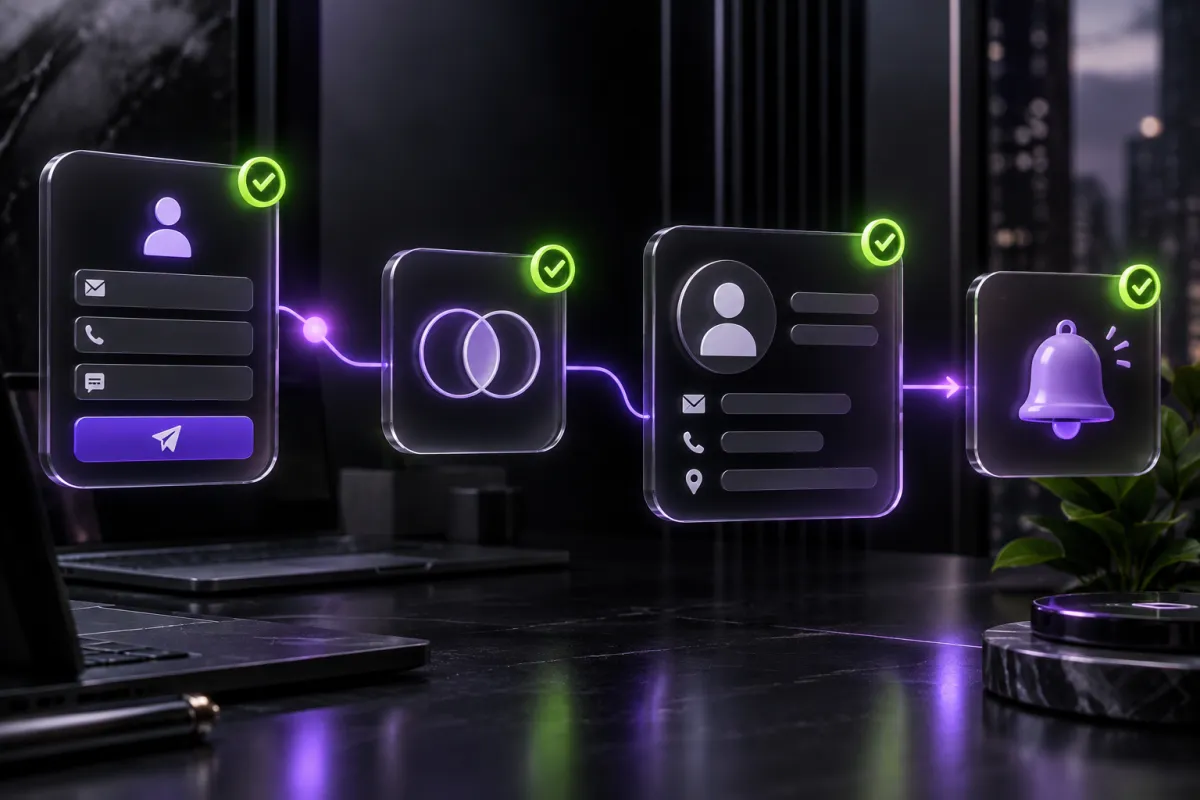
This sample flow moves information between tools while keeping a person responsible for the next step.
These sample screens show possible features and layouts. Your system will be designed around your team, daily tasks and business information.
Connect enquiries, CRM records, team assignments and follow-ups around your tools and approvals.
We agree on the features you need before work starts and plan for future additions.
Define the source of truth, access method, field mapping, retries and ownership when either system is unavailable.
Define the source of truth, access method, field mapping, retries and ownership when either system is unavailable.
Turn the core user problem and riskiest assumption into a focused journey that can be reviewed before heavy delivery.
Define provider states, reconciliation, access and recovery so payment information remains operationally reliable.
Define how email notifications should work, who owns it, what can fail and how the result will be accepted.
Define how data migration should work, who owns it, what can fail and how the result will be accepted.
Agree the business question, source data and decision owner before designing the dashboard or event model.
Make failure visible, assign the response and document recovery instead of leaving the workflow silently broken.
Define the source of truth, access method, field mapping, retries and ownership when either system is unavailable.
We focus on helping your team work efficiently and making it easier for customers to use your services.
Connect forms, customer records and business tools so information can move between them without repeated typing. We define which system owns each record and add checks to reduce duplicate or incomplete entries.
Give each task a named owner and a clear next step. Assignment rules, approval stages and reminders help your team see who needs to act, without chasing updates across messages.
Make failed tasks visible instead of letting them disappear in the background. We plan alerts, retry rules and a manual recovery route so your team can resolve problems without repeating completed work.
Link the tools your team already uses, such as your CRM, website, accounting software and messaging platform. Integrations depend on the access and APIs each provider supports, which we check before agreeing the scope.
Decide who can view information, change records and approve important actions. Permissions are matched to team responsibilities, with sensitive credentials kept out of public pages and customer-facing code.
Receive practical instructions for running the workflows and handling common issues. The handover covers system ownership, integration dependencies and the agreed support process, so your team knows what to do after launch.
Map tools, access and repetitive work.
Define triggers, approvals and failure handling.
Build and test supported integrations.
Track failures and maintain connections.
Indicative bands help qualify fit; the proposal is based on the agreed scope, integrations and delivery responsibility.
Map users, workflows, risks, evidence and the strongest first release before committing to a larger build.
Design, engineer and validate one coherent release with named milestones, acceptance checks and weekly visibility.
Maintain, observe and improve the released system through an agreed monthly capacity and priority queue.
Written decisions, scheduled reviews, timezone-aware meetings and documented handover keep international work visible.
SEE HOW REMOTE DELIVERY WORKSWe assess your CRM, website, payment and operations tools for supported APIs, permissions and integration requirements before agreeing scope.
Only where appropriate. Approval steps, access controls and error alerts are defined for each workflow.
Third-party API access, subscriptions and usage charges are identified separately during scoping.