
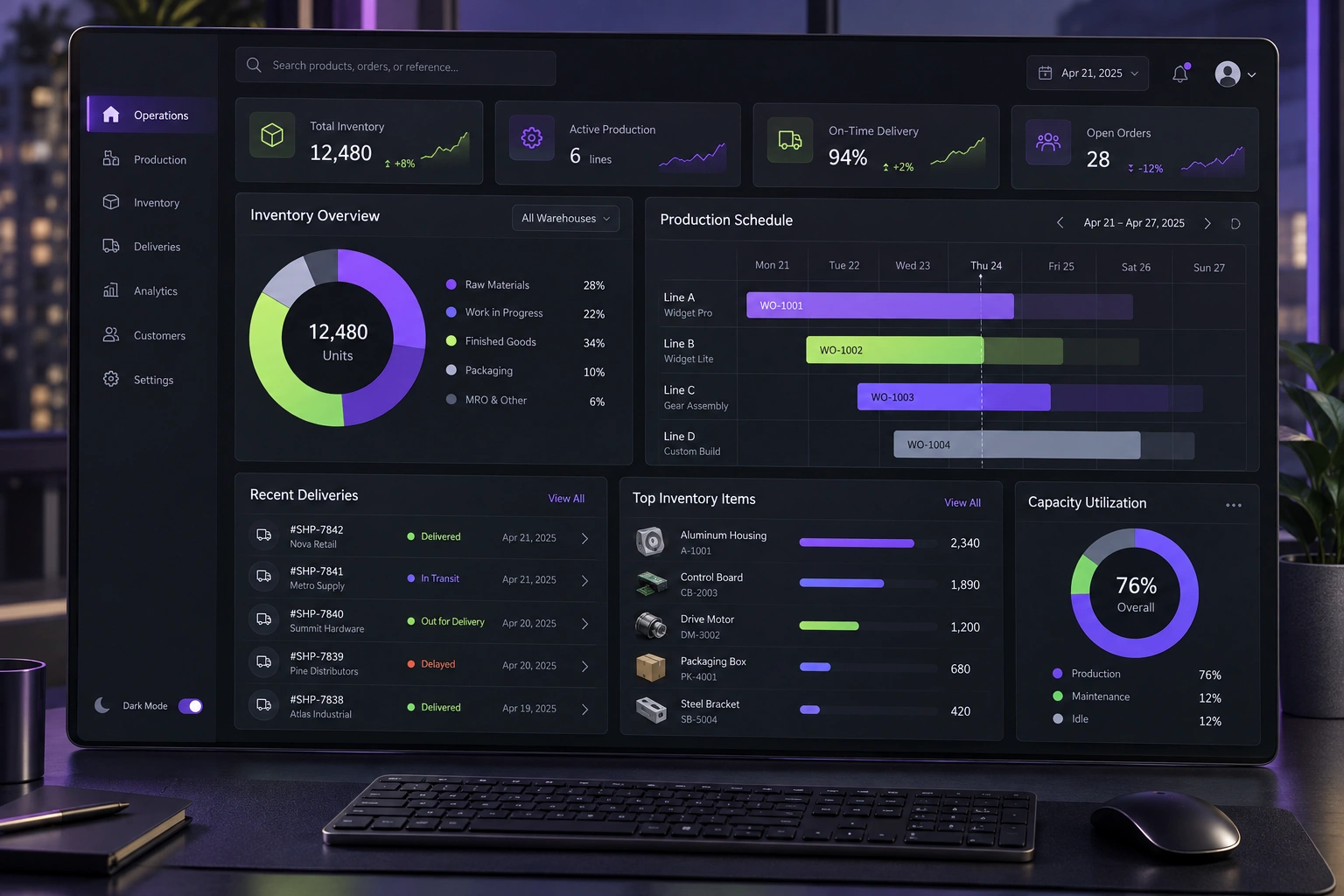
A useful portal gives each customer a secure, current view of the information and actions relevant to them. Start with a few high-frequency tasks, connect them to the source systems that own the data, enforce permissions on every request and make exceptions easy to resolve with a person.
Put this guidance into practice
Explore our custom CRM and ERP development, software development, application launch, premium website development and business automation services. We scope the work around your existing tools, team and goals.
Begin with the jobs customers already ask your team to do
A portal should remove avoidable waiting, not move a confusing process onto a screen. Review support calls, email requests and manual status updates to find the tasks customers repeat most often. Those tasks form a stronger first release than a long feature wishlist.
Define the user, event and expected result for every proposed feature. For example: after an order is confirmed, an authorised buyer can see its current status, download the relevant document and ask a question against the same order. This is clearer than a generic requirement such as ‘customer dashboard’.
- Check order, project or service status
- View and download approved documents
- Update permitted account details
- Raise, track and respond to a support request
- See invoices, payments or subscription information when relevant
Show one reliable version of status and history
Decide which operational system owns each field displayed in the portal. If order status lives in an ERP and support conversations live in a service tool, the portal should present them together without inventing a second editable version of the same data.
Use plain-language states and explain what happens next. ‘In progress’ is less useful than ‘Quality check in progress — dispatch date will appear after approval’. Add timestamps and make data freshness visible where a delay matters.
Give important changes a history. Customers and support teams should be able to understand what changed, when it changed and which action is still required. Internal notes, private costs and staff-only controls must remain outside the customer view.
Design permissions around real relationships
Login confirms identity; it does not mean every signed-in person should see every account, document or action. A business customer may have buyers, finance users and administrators with different responsibilities. Define access by organisation, account, role and resource rather than hiding buttons in the interface.
OWASP recommends least privilege and server-side access checks for every requested object. A portal must verify that the current user may access the specific invoice, file or order even if someone changes an identifier in a URL. Include invitation, role change, access removal and account recovery in the design from the beginning.
NIST's digital identity guidance separates identity proofing, authentication and federation. The appropriate controls depend on the risk of the portal. Viewing a public delivery estimate and changing bank, identity or payment information should not automatically use the same level of verification.
- Map customer roles to view, create, approve and download actions
- Require additional verification for sensitive changes
- Expire sessions and provide a clear sign-out path
- Remove access promptly when a contact leaves the customer organisation
- Log meaningful account and permission events without exposing secrets
Make self-service safe and reversible
Customers need confirmation before an action changes money, service or delivery. Show the consequence, effective date and any dependency before submission. After submission, provide a clear receipt and status instead of leaving the user to wonder whether the request worked.
For billing portals, self-service commonly includes viewing invoices and payment history, updating payment methods and managing subscriptions. Stripe's portal is one example, but the right features depend on your commercial model and the capabilities of your payment provider. Do not collect or store payment credentials in a custom form when an appropriate compliant provider can handle them.
Not every exception belongs in automation. Give customers a visible way to contact support with the relevant account or transaction context already attached. Make ownership and expected response clear, and allow staff to see the same customer-facing timeline.
Treat accessibility and mobile use as core requirements
Customers may open a portal on a phone while travelling, at a worksite or with limited connectivity. Prioritise the current task, keep navigation predictable and avoid dashboards that shrink a desktop spreadsheet onto a small screen. Test downloads, uploads, authentication and timeouts on real devices.
W3C guidance recommends labelled controls, clear instructions, useful validation and understandable success or error notifications. Short forms reduce unnecessary work. Keyboard navigation, readable contrast, visible focus and screen-reader semantics should be acceptance criteria, not a final cosmetic review.
If a session expires for security, preserve non-sensitive progress where appropriate and explain how to continue. Do not allow an unexpected timeout to turn a completed form into lost work without warning.
Launch a narrow portal and measure task completion
Start with a complete journey for one customer segment. Connect the data, permissions, notifications, staff workflow and support fallback before adding more modules. Pilot with customers who represent both routine and awkward cases, then fix unclear states and broken handovers.
Measure whether customers complete the intended task, how long it takes, where they abandon it and which requests still return to email or phone. Also monitor access failures, integration delays and support escalations. A lower ticket count matters only if customers are genuinely getting the right result.
DigiStartup India can design and build customer portals as part of a wider software platform, CRM or automation workflow. A focused discovery should identify the first users, source systems, permission model and measurable service outcome before estimating the build.
- Choose one segment and three to five high-value tasks
- Write acceptance criteria for customer and staff journeys
- Test permissions and cross-account isolation
- Prepare support, monitoring and rollback ownership
- Expand only after the first workflow is reliable
Further reading
Frequently asked questions
What is the difference between a customer portal and a website account?+
A website account may only store profile or purchase information. A customer portal usually connects authenticated customers to ongoing business processes such as orders, projects, support, documents, invoices or service requests.
Should a customer portal connect to our CRM or ERP?+
Usually yes when those systems own customer, order or service data. Define which system is authoritative for each field and use controlled integrations so the portal does not become a conflicting copy of operational records.
What should be included in the first customer portal release?+
Choose a small set of frequent end-to-end tasks for one customer segment. Include the supporting permissions, notifications, staff workflow, error handling and support route required to complete those tasks safely.
How do we keep a customer portal secure?+
Use risk-appropriate authentication, server-side authorization on every protected resource, least-privilege roles, secure session handling, audit logs, protected integrations and regular testing. Security requirements should reflect the sensitivity and consequence of the actions available.