
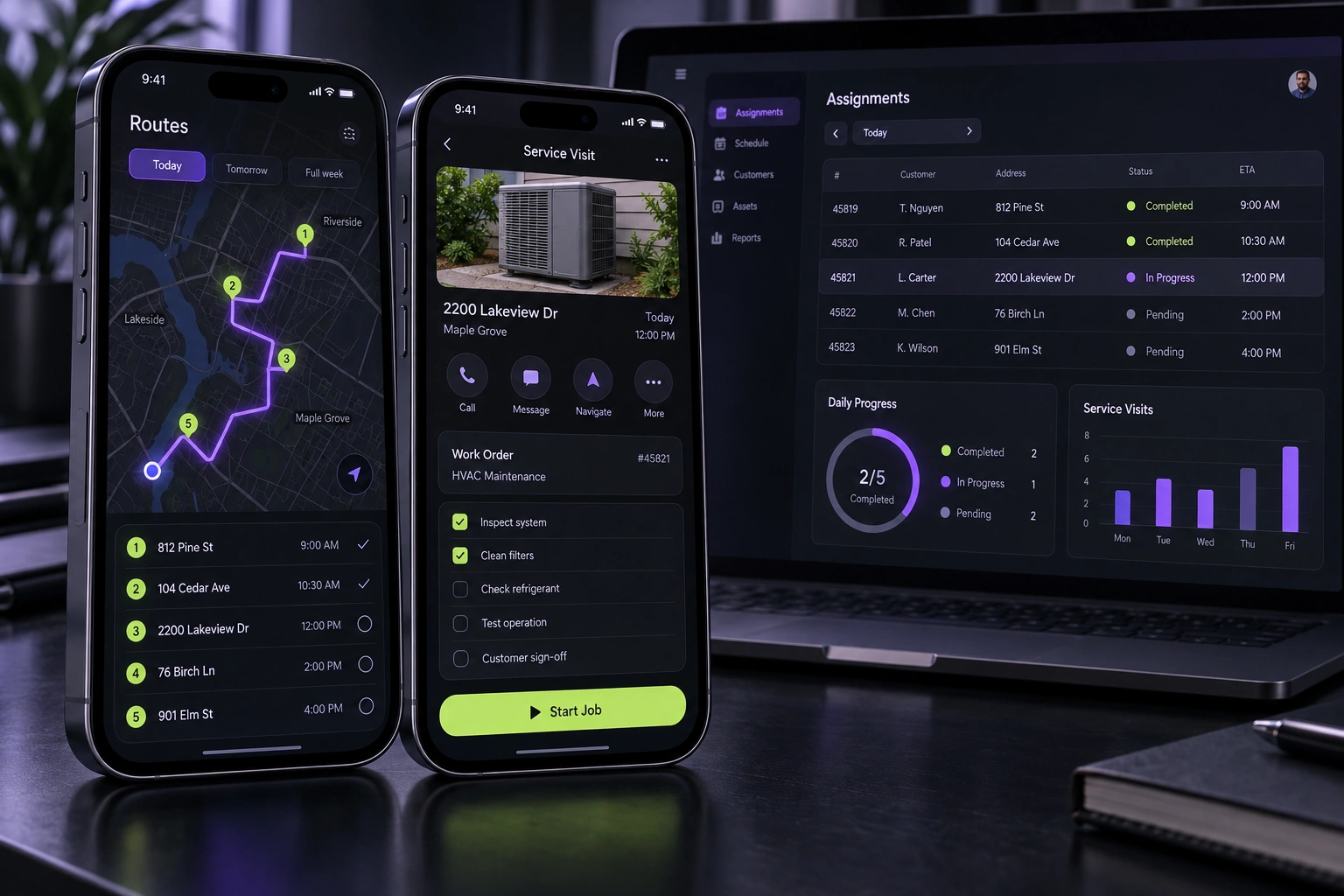
Do not treat rollback as a button you will find during an incident. Decide the release audience, monitoring window, stop conditions, decision owner, technical recovery options, data-compatibility rules and user communication before launch. Use staged delivery where the platform supports it, separate reversible feature changes from binary updates, and rehearse the response to a failed release while the team can still think calmly.
Put this guidance into practice
Explore our custom CRM and ERP development, software development, application launch, premium website development and business automation services. We scope the work around your existing tools, team and goals.
Define the release decision before choosing a date
A release plan should start with the user outcome and the change being introduced, not the store-submission deadline. Name the affected journeys, the versions and devices in scope, the backend or data changes that must be compatible, and the evidence required to expand the rollout. A team cannot judge a release if success means only that the new binary was approved.
Assign one release owner who can continue, pause or stop the rollout, plus technical and customer-support owners who can supply evidence quickly. Record the decision channel and the monitoring window. When responsibility is spread across a group without a named decision maker, teams often continue a risky release because nobody is clearly authorised to stop it.
- User outcome and affected journeys
- Versions, devices and dependencies in scope
- Named release and incident decision owners
- Evidence required to expand exposure
Use staged delivery to limit the first blast radius
For eligible updates, release to a limited audience before expanding. Google Play staged rollouts can deliver an update to a chosen percentage of users and can be halted so no additional users receive that version. Apple phased release distributes an update gradually over seven days to eligible automatic-update users and can be paused. These controls reduce exposure; they do not remove the need for testing or monitoring.
Choose expansion gates before launch. A calendar alone is weak evidence. Each increase should depend on representative usage, stability, critical journey completion, backend health and support signals. Remember that store controls differ: Apple users can still manually download an update during a phased release, and users who already received a problematic version may continue using it after a rollout is halted.
- Initial audience and platform-specific limits
- Observation period between rollout stages
- Stability, journey and backend expansion gates
- Known exposure that remains after a pause or halt
Write stop conditions that a person can act on
A stop rule should connect an observable signal to an action. Examples include a critical journey failing, a new crash affecting an important user segment, authentication or payment errors rising, data failing to reconcile, or a backend dependency becoming unsafe under load. Use thresholds appropriate to the product and baseline; do not copy a universal number that ignores the size and consequence of the service.
Monitor by release version and affected journey where the tooling allows it. Firebase Release Monitoring can show version uptake, crash-free metrics and new issues for a recent release, while Crashlytics groups crash evidence and supports alerts. Pair technical telemetry with support reports and operational checks because a release can remain crash-free while still producing incorrect business outcomes.
- Critical user-journey failures
- New or regressed stability issues by version
- Data, integration and backend health
- Support evidence and business-impact assessment
Separate binary rollback from feature recovery
A mobile binary cannot always be removed from every device immediately. Halting a store rollout prevents further exposure, but people who already installed the version may remain on it. The recovery plan should therefore distinguish store actions, a corrected build, backend compatibility, feature flags, remote configuration and temporary service controls.
Use remotely controlled behaviour only for changes designed to be safely switched. Firebase Remote Config keeps template versions and supports rollbacks, but a flag is not a substitute for compatible data migrations or tested application logic. Define default values, targeting, ownership and the state users will see when a feature is disabled. Avoid a remote kill switch that leaves a broken navigation path or incomplete transaction behind.
- Store rollout halt or pause
- Corrected-build path and review lead time
- Feature-control and safe default behaviour
- Backward-compatible backend and data plan
Protect data before it becomes hard to reverse
The most dangerous release problems are often not visual. A new version may write data that the previous version cannot read, trigger an irreversible migration, duplicate a transaction or change an API contract while older clients remain active. Map each data and integration change to a compatibility window, validation step and recovery owner.
Prefer changes that allow old and new clients to operate safely during the rollout. Rehearse backup restoration where relevant, but do not describe a backup as a complete rollback unless the team has proved the recovery time, the accepted data-loss window and the reconciliation process for work completed after the backup.
- Old-client and new-client compatibility
- Reversible or forward-fix migration strategy
- Backup, restore and reconciliation evidence
- Protection against duplicate or partial transactions
Rehearse communication, support and the final decision
Prepare the incident message before an incident exists. Support staff need the affected version, symptoms, safe workaround, escalation route and the point at which the message must change. The product team needs a short decision log showing what was observed, who decided, what action was taken and when the next review will happen.
Run a tabletop exercise with a realistic failure: the staged release begins, a critical journey degrades and some users already have the update. Walk through detection, halt, feature control, customer response, corrected build and post-incident review. Digi Startup India can help shape an application launch around staged exposure, observable stop rules and a recovery path that the delivery and business teams can operate together.
- Prepared support brief and user message
- Decision log and review cadence
- Corrected-release and verification plan
- Tabletop rehearsal before production
Further reading
Frequently asked questions
Can an app-store update be rolled back for every user?+
Not reliably. A store can stop or pause further distribution, but users who already installed the version may continue using it. Recovery may require a corrected build, compatible backend behaviour, a safely designed feature control and clear user support.
Should every app update use a staged rollout?+
Use staged delivery when the platform supports it and the change benefits from controlled exposure. The rollout design should match the risk, audience and ability to observe meaningful signals. A staged rollout does not replace beta testing, release review or operational readiness.
What metrics should stop an app rollout?+
Choose signals tied to the product's critical journeys and normal baseline: important task failures, new crashes or ANRs, authentication or transaction errors, data-reconciliation problems, backend degradation and credible support reports. Define who interprets the evidence and acts.
Is a feature flag the same as a rollback plan?+
No. A well-designed feature flag can disable or reduce exposure to selected behaviour, but it does not reverse an incompatible binary, database migration or API change. Treat it as one recovery control inside a broader release plan.