
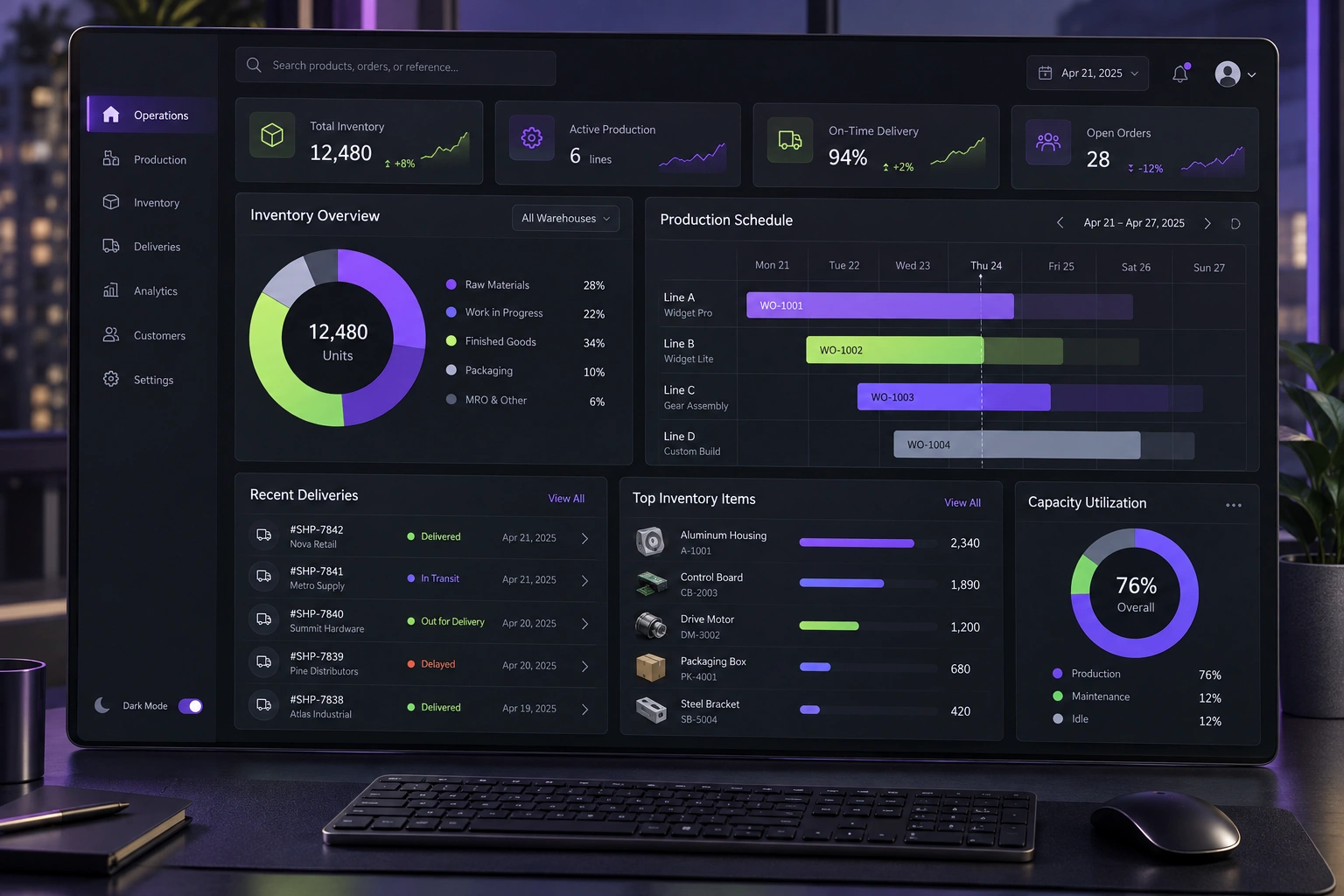
A maintenance plan should make ownership and response predictable. Define the services in scope, the signals that reveal user-impacting problems, severity and response rules, security-update decisions, backup and recovery evidence, release controls, support boundaries and a regular review of recurring issues and product priorities.
Put this guidance into practice
Explore our custom CRM and ERP development, software development, application launch, premium website development and business automation services. We scope the work around your existing tools, team and goals.
Define the system and the service boundary
Start by listing what the maintenance agreement actually covers: the application, environments, integrations, scheduled jobs, databases, domains, certificates, repositories and deployment pipeline. Record the third-party services it depends on and the parts controlled by another supplier or by the client team.
A broad promise such as ‘ongoing support’ is difficult to operate. Specify supported environments, normal service hours, contact routes, named owners and the difference between a defect, a service incident, a security issue, a content request and a new feature. This gives everyone a common route when something changes after launch.
Keep an ownership register for code, hosting, accounts, billing, certificates and data. Maintenance becomes fragile when a renewal notice or recovery credential reaches a former employee or remains inside a developer’s personal account.
- Applications, environments and integrations in scope
- Business and technical owners for every critical service
- Supported hours and contact route
- Clear boundaries between defects, incidents and new work
- Account, repository, domain and billing ownership
Monitor the journeys users depend on
Uptime alone cannot tell you whether the important workflow works. A server can return a successful response while sign-in, payment, enquiry delivery, document generation or a CRM handoff is failing. Choose a small set of service-level indicators around the journeys that matter to customers and staff.
Google’s Site Reliability Engineering guidance recommends using service-level indicators and objectives to describe reliability in measurable, user-focused terms. For a business system, this may include successful completion rate, error rate, latency and freshness of scheduled data—not simply whether the home page responds.
Each alert needs an owner and an action. Remove alerts that nobody can interpret, group related signals and document the first checks. The goal is not a busier dashboard; it is earlier detection of meaningful failure with enough context to respond.
- Availability of the complete priority journey
- Error and timeout rate for critical operations
- Integration, queue and scheduled-job freshness
- Performance experienced on relevant devices and networks
- Alert owner, threshold and first-response steps
Plan security updates as a risk decision
Track application frameworks, packages, operating systems and managed services so the team knows when a relevant vulnerability or end-of-support date appears. GitHub can surface Dependabot alerts and security updates for vulnerable dependencies, but an alert still needs triage, testing and a controlled release decision.
NIST’s Secure Software Development Framework recommends planning and implementing risk responses for vulnerabilities, including temporary mitigation when a permanent fix is not yet available. Define who assesses impact, how priority is agreed, how a patch is tested and what evidence closes the issue.
Do not promise that every update will be installed immediately. A responsible plan distinguishes urgent exposure from routine change and considers compatibility, rollback and business timing. It should also cover credential rotation, access reviews and the removal of accounts that are no longer needed.
- Dependency and platform vulnerability alerts
- Severity, exposure and business-impact assessment
- Target response for critical and routine issues
- Test, approval, rollout and rollback steps
- Periodic access and secret-rotation review
Make incidents observable and recoverable
Application logs should explain important outcomes and failures without collecting passwords, tokens or unnecessary personal information. OWASP recommends logging security-relevant events such as authentication and access-control failures, application errors and important business outcomes, while protecting sensitive data and verifying that logging itself cannot exhaust system resources.
Write a short incident route before an incident occurs: who assesses severity, who can make a production change, how users and stakeholders are updated, where decisions are recorded and how recovery is verified. Include key third-party contacts and the safe fallback for the business process.
After recovery, record the cause, impact, timeline and preventive action. Repeated incidents often reveal an ownership, testing or architecture problem that should be fixed rather than treated as an endless sequence of support tickets.
- Useful application, security and audit events
- Sensitive-data exclusions and log access control
- Incident severity and escalation route
- Communication and manual business fallback
- Post-incident review with owned follow-up actions
Prove backup and release recovery
A backup is useful only when the right data is included, retention is appropriate and restoration has been tested. Record the recovery point the business can tolerate, the recovery time it needs, where backups are stored and who is allowed to restore them.
Treat deployments as controlled changes. Keep source history, a review trail, environment-specific configuration outside the code, repeatable release steps and a rollback option. Test database changes and integration compatibility as carefully as the visible interface.
Schedule recovery exercises at a frequency that matches risk. A small rehearsal can uncover expired credentials, undocumented dependencies and assumptions about who has access before a real outage forces the team to discover them under pressure.
- Backup scope, frequency, retention and storage owner
- Recovery-point and recovery-time expectations
- Verified restore procedure and latest test date
- Reviewed release record and rollback path
- Environment, database and integration compatibility checks
Review maintenance as a business system
Set a regular service review that connects incidents, support demand, security work, reliability signals, third-party changes and the product backlog. Separate recurring maintenance from optional improvement so budget and priorities remain visible.
Useful reporting explains what changed and what decision follows. Include significant incidents, unresolved risk, ageing dependencies, backup test results, capacity or cost concerns and repeated user friction. Avoid a long activity list that hides whether the system is becoming safer and easier to operate.
DigiStartup India can define a maintenance model alongside the software handover, with clear ownership, monitoring, recovery and change controls. The purpose is not to create permanent dependency on a developer; it is to keep the system dependable while giving the business usable evidence and control.
- Monthly reliability and incident review
- Security and dependency status
- Restore-test and release evidence
- Repeated support themes and root causes
- Agreed maintenance work and separate improvement priorities
Further reading
Frequently asked questions
What is the difference between software maintenance and new development?+
Maintenance keeps the agreed system dependable through monitoring, defect correction, security updates, recovery and compatibility work. New workflows, major interface changes and additional integrations are normally scoped as product development so their value, risk and acceptance criteria can be assessed separately.
Does a maintenance plan guarantee that software will never go down?+
No. It should define how reliability is measured, how incidents are detected and prioritised, the expected response route and how recovery is verified. No responsible supplier can guarantee that every application or third-party dependency will remain continuously available.
How often should backups be tested?+
The frequency should reflect how much data the business can afford to lose, how quickly it must recover and the consequence of failure. Record the recovery objectives and run restore tests often enough to prove that the current people, credentials, data and procedure still work.
Should dependency updates be installed automatically?+
Alerts and low-risk automation can shorten response time, but production updates still need risk-based rules, compatibility checks, approval and rollback. Critical exposure may require urgent mitigation, while routine changes can follow a planned release cadence.